Server & Business Data Backup
Protect servers, virtual machines, shared files, databases and selected endpoint data with structured schedules and retention.
Explore Business Backup →
Himax designs, deploys and monitors backup and disaster-recovery solutions for servers, endpoints, cloud services, Microsoft 365 and critical business data across Rwanda. Recovery begins with knowing what must return first.
Himax brings backup architecture, off-site copies, Microsoft 365 protection, recovery planning, monitoring and restore testing together around one objective: getting the right business systems back when they are needed.
Protect servers, virtual machines, shared files, databases and selected endpoint data with structured schedules and retention.
Explore Business Backup →
Maintain an off-site recovery copy using cloud storage selected around data volume, retention, recovery speed and internet capacity.
Explore Cloud Backup →
Dedicated backup for supported Exchange Online, OneDrive, SharePoint and Teams-related business data.
Explore Microsoft 365 Backup →
Add platform setup, monitoring, alert review, retention oversight and restore support around your backup environment.
Explore Backup as a Service →
Define which systems must return first, acceptable downtime, dependencies, recovery responsibilities and practical recovery procedures.
Explore Disaster Recovery →
Review backup jobs, investigate failures and confirm through agreed tests that selected data can actually be restored.
Explore Restore Testing →
Define restore order, administrator responsibilities, recovery locations and practical procedures before an outage occurs.
Explore Recovery Planning →
Review critical data, existing copies, storage, retention, recovery priorities and current backup gaps before selecting the solution.
Explore Backup Assessment →Backup is not only about creating another copy. It is about recovering the right information within a timeframe the organisation can accept.
A finance database, shared documents, user email and archived files may require different schedules, retention and recovery methods.
Himax identifies critical systems, data owners, existing copies, dependencies, available storage, internet capacity and operational priorities.
We then design a backup approach around what can be lost, what must return first and who is responsible for recovery.


Himax provides backup solutions for business files, physical or virtual servers and selected endpoint data.
The design can combine local and off-site copies according to recovery speed, retention, available infrastructure and risk.
Backup jobs are configured around the required data, schedule, storage destination, encryption, retention and administrator access.
Critical workloads are monitored and restoration procedures are documented so the organisation is not designing the response during an incident.
Best for: file servers, application servers, databases, shared business data, key workstations and virtual environments.
Cloud backup can provide an off-site recovery copy without requiring the organisation to operate every storage component internally.
Himax helps select an approach based on data volume, internet capacity, retention, recovery speed, security and cost.
Backup as a Service can add setup, monitoring, alert review and support around the selected platform.
The service scope defines which workloads are covered, how failures are escalated, when restore tests occur and which organisation contacts can authorise recovery.
Best for: organisations that need an off-site copy, central monitoring or less internal backup administration.
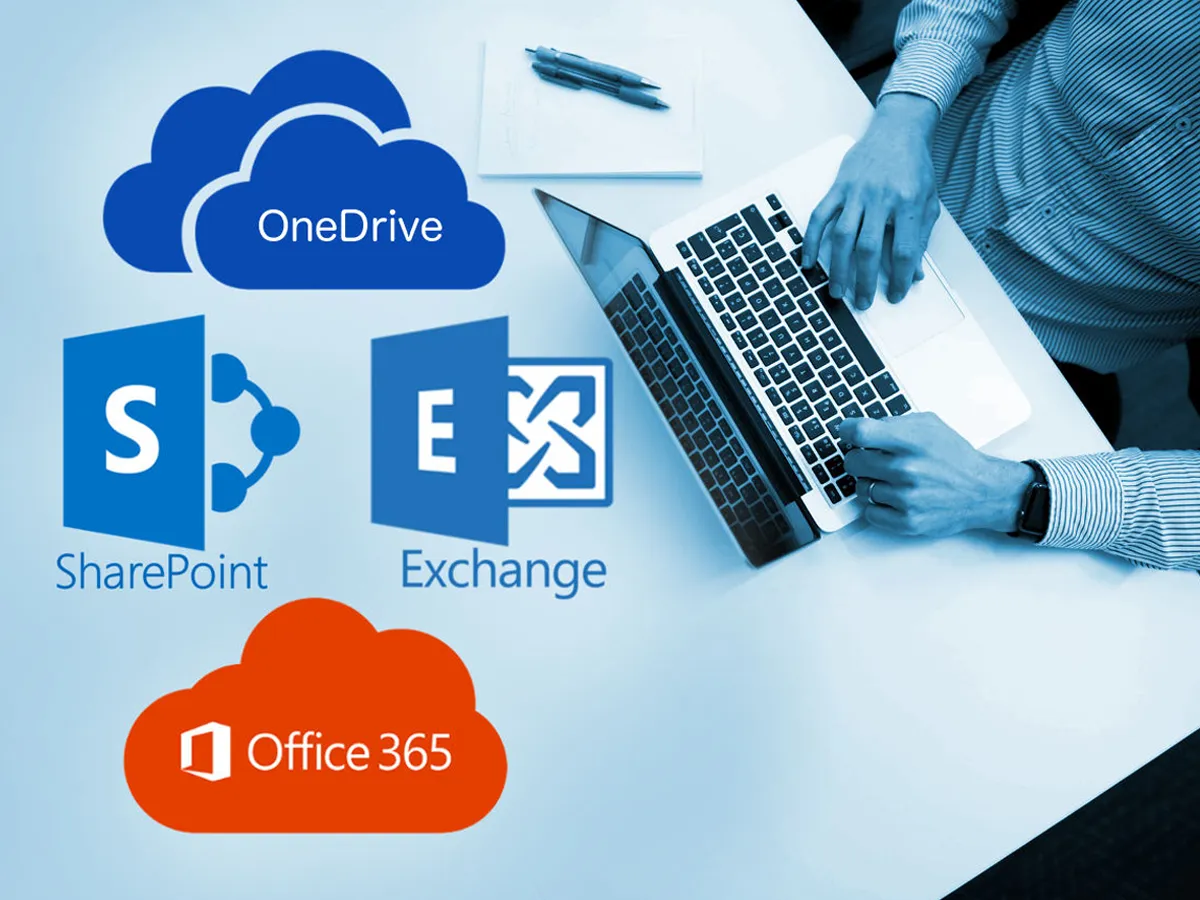
Microsoft 365 supports resilient cloud services, but organisations still need to define how they will recover deleted, changed or unavailable business information according to their own retention and recovery needs.
Himax provides dedicated Microsoft 365 backup solutions for selected services and users.
The scope can be planned around mailboxes, OneDrive, SharePoint and Teams-related data supported by the selected backup platform.
We help define protected users, schedules, retention, administrator access, search and restoration procedures.
Best for: organisations using Microsoft 365 for email, user files, shared documents and collaboration.

Disaster recovery defines how critical technology will return after a serious outage, cyber incident, hardware failure, data corruption or site disruption.
Business continuity connects that technical recovery to the people, priorities and temporary processes that keep essential work moving.
Himax helps identify critical services, dependencies, recovery order, acceptable downtime, data-loss tolerance, responsible contacts and alternative infrastructure.
The resulting plan should be practical enough to follow under pressure and specific enough to test.
Best for: organisations with critical systems, regulated data, customer-facing platforms, multi-site operations or limited tolerance for extended downtime.

A completed backup job is useful only if its data is valid and recoverable.
Himax monitors agreed backup jobs, investigates failures and supports scheduled restoration tests according to the service scope.
Tests can confirm that files, mailboxes, databases, virtual machines or selected workloads can be located and restored.
Results are documented, gaps are corrected and recovery instructions are updated when systems, staff or priorities change.
Best for: organisations that need stronger confidence that their backup environment can support real recovery when needed.
Recovery becomes much easier to design when the organisation can answer four practical questions before storage capacity, software or backup frequency is chosen.
Identify critical records, systems and files before choosing storage capacity or backup frequency.
This helps determine how frequently each workload should be protected and how much data loss is acceptable.
Recovery speed should follow business priority rather than applying one recovery target to every system.
Name data owners, administrators and escalation contacts before an incident occurs.
Strong data protection usually combines prevention, information-control policies and independent recovery capabilities rather than relying on a single technology.
Firewalls, endpoint security, identity controls and secure configuration help prevent, detect and respond to security threats.
DLP policies can help identify or restrict defined sensitive information from being shared or transferred in ways the organisation has not approved.
Independent recovery copies help restore information after deletion, corruption, system failure or other covered events.
We move from business priorities and existing data through backup architecture, deployment, restore validation and documented recovery procedures.
Identify data, systems, owners, current copies, risks, dependencies and recovery priorities.
Define schedules, retention, storage locations, access, encryption and recovery methods.
Configure the backup platform, repositories, workloads, policies and alerts.
Confirm jobs are completing and perform agreed restoration tests for selected data or workloads.
Record backup coverage, recovery order, access responsibilities and restore procedures.
Review failures, capacity, retention, platform changes and recovery-test results.
Backup requirements differ according to the data being protected, acceptable downtime, regulatory requirements, applications, locations and available internal IT capacity.

Protect shared business data, Microsoft 365, servers, financial records and key user information.

Protect shared documents, institutional records, project data, cloud collaboration and critical operational systems.

Plan backup and restoration around important administrative, operational and user data.

Coordinate backup, off-site recovery, branch data and recovery priorities across several locations.
Backup is stronger when cloud platforms, cybersecurity, networking and day-to-day IT administration are designed to support the same recovery priorities.




Frequency depends on how much recent work the organisation can afford to lose. Critical transactional systems may need more frequent protection than archived documents. Himax defines schedules by workload and recovery priority.
Not necessarily. File synchronisation and primary cloud storage support access and collaboration, while dedicated backup is designed around recovery copies, retention and restoration. The exact protection depends on the selected service and configuration.
Yes. Himax can provide dedicated backup for supported Microsoft 365 services such as Exchange Online, OneDrive, SharePoint and supported Teams data, depending on the selected backup platform.
Restore testing can be included in the service scope. It confirms that selected data or workloads can be located and recovered rather than relying only on a successful backup-job status.
Backup creates recovery copies of data or workloads. Disaster recovery defines how critical systems, dependencies, infrastructure and people will restore business services after a serious disruption.
Yes. Himax can review covered workloads, schedules, failures, retention, storage, administrator access, off-site protection, restore history and documentation before recommending improvements.
Recovery order should follow business priority and system dependencies. Himax helps identify which services are critical, what they depend on and how quickly each one needs to return.
Yes. A hybrid design can combine local recovery speed with an off-site cloud copy where that approach suits the organisation's recovery, internet, retention and security requirements.
Request a backup and recovery assessment. Himax will help identify your critical data, current gaps, recovery priorities and the right backup architecture for your organisation in Rwanda.
Talk to Himax about reliable technology, security and infrastructure solutions for your business, institution or project in Rwanda.
Request a Consultation